Choosing a Theme
From the four main themes and eight sub themes that were provided, I decided to go with Fantasy and Beauty for my environment and 3D asset since it aligns with the type of media I tend to consume when it comes to Video Games and TV. This also meant that I could create an asset that is from a genre that I’m interested in.
For the main theme, I could have instead gone with Historical since can also be connected with the medieval period of which I was interested in using for this asset, but a large reason why I went with Fantasy instead was because the theme was more open-ended since I could take inspiration from history and then add unhistorical-like elements that are more associated with fiction. As for Beauty, I choose to go with this instead of other options was because I thought it was the best match-up with the main theme and more specifically the middle ages.
Looking back on the themes that I have chosen, I could help but be curious on how my environment would look like if I were to choose different themes. At this time, if I were to use a different main theme, I would try my hand at a Horror environment since I have an interest in Lovecraftian and Slasher horror.
Researching for my Environment
The landscape of my environment was heavily inspired by the rocky-mountainous areas of The Elder Scrolls V: Skyrim and Elden Ring. I wanted the environment to have tall cliffs that are found in Limgrave in Elden Ring as well wanted to have the lower altitude areas that are found in Skyrim’s Reach which includes adding a stretching river dividing the land.
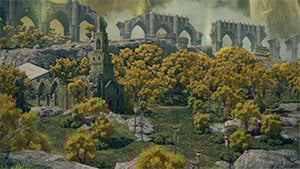
Elden Ring Wiki (2021) Image of Limgrave from outside of The Stranded Graveyard [Image] Found on the Elden Ring Wiki: eldenring.wiki.fextralife.com/Limgrave [Date Accessed: 16/03/2023]
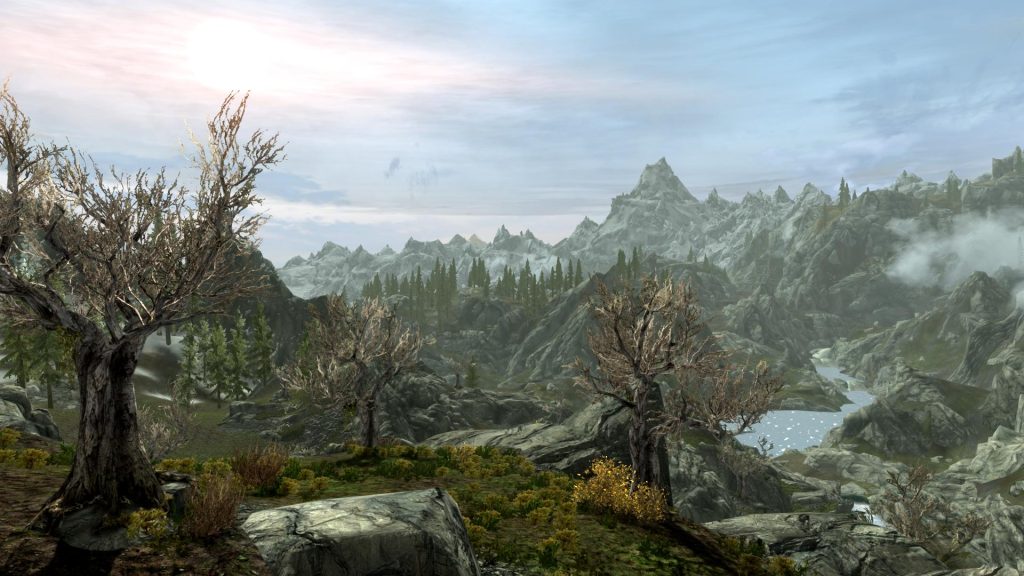
Snoooken (2012) Scenic View of Skyrim’s Reach [Image] Found on Nexus post: www.nexusmods.com/skyrim/images/100257 [Date Accessed: 16/03/2023]
After I decided the design of the landscape I moved on and came up with ideas for what it would contain. I eventually chose to build a small town and an abandoned cave not too far away which would host my 3D Asset to be modelled in Maya and textured in Substance Painter.
Building the Landscape
To make the landscape for my environment I consulted a tutorial YouTube video on how to make a Elden Ring like environment. This video was very helpful to me as it focuses a lot on making a mountainous area which I planned on implementing during research.
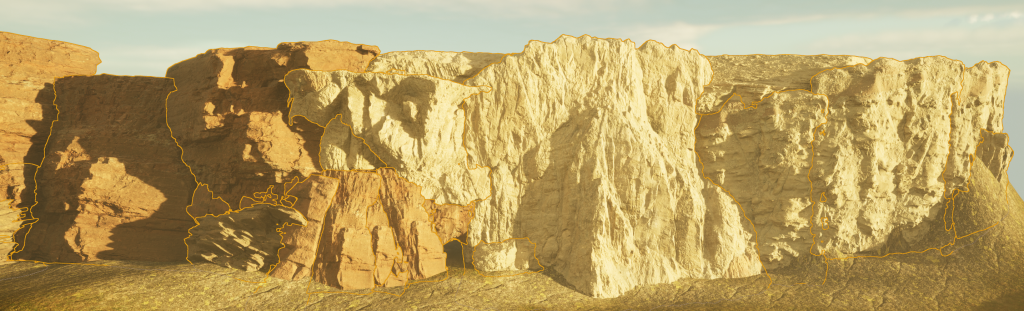
This video also introduced me to using megascan cliffs from Quixel Bridge for the sides of the more rocky mountains, which is what I did to build the western mountain of the environment. I used two different types of cliff, sandstone and “quarry”, and I made sure that when the two types met in the world they met naturally and the point doesn’t stick out.
For the North-East mountain, I decided not to use the cliff megascans and just use the paint feature with Unreal Engine’s landscaping features. This was mostly to save time since the first mountain’s cliffs took longer than expected, but was also because the second mountain was not as high from the ground and was more slanted compared to the first mountain which was very steep. Between both mountains there will be a meander flowing down the middle of the environment.
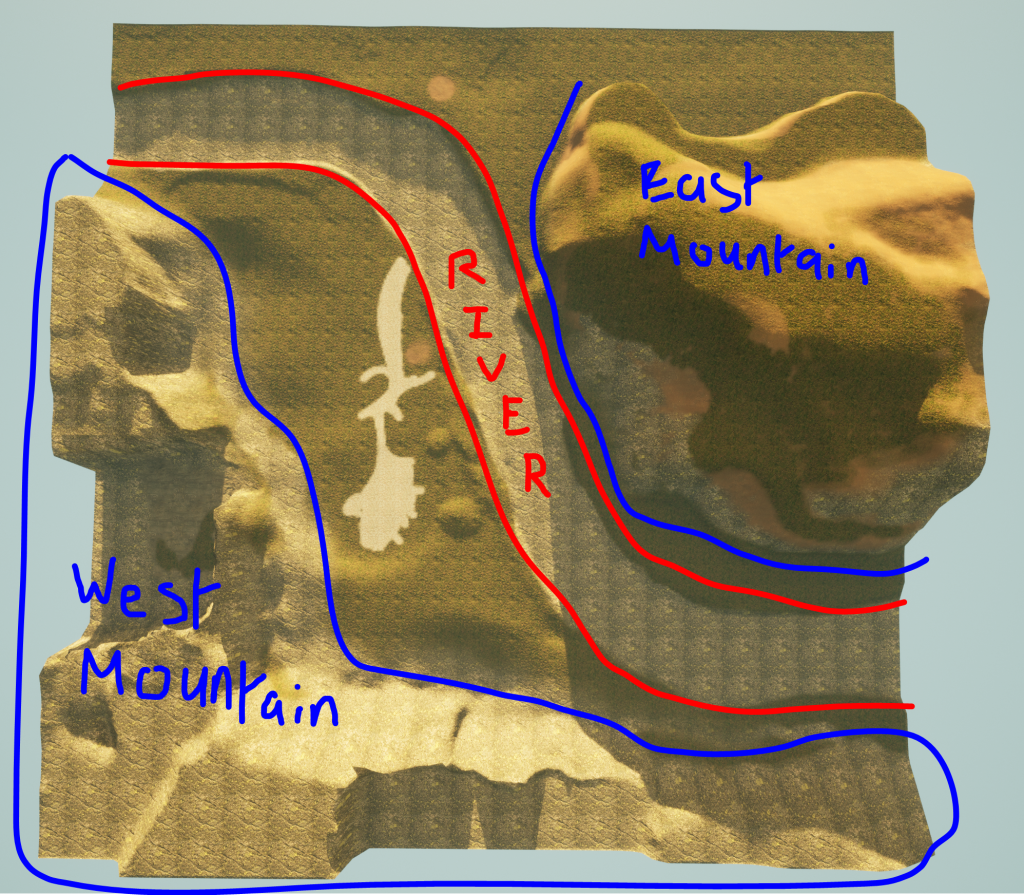
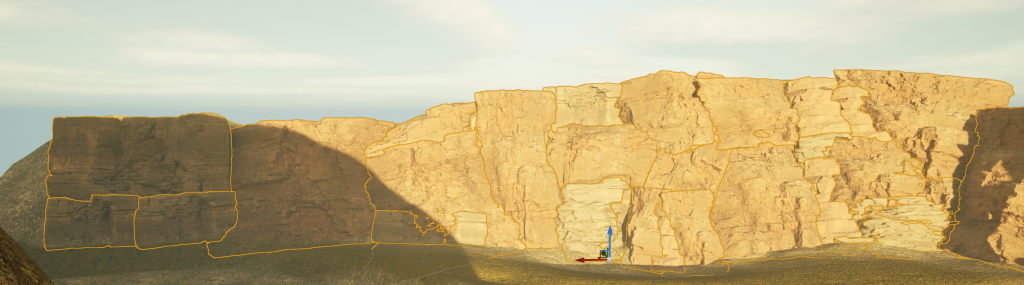
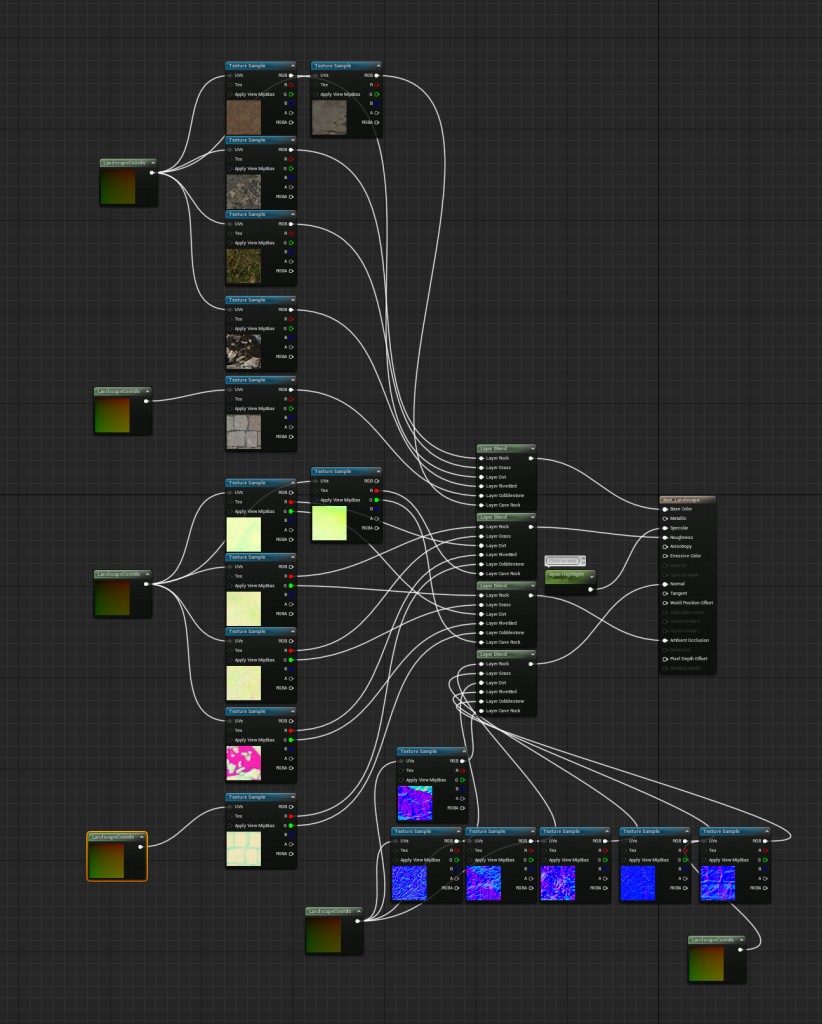
I used 6 total materials for the landscape; Grass, Dirt, Rock, Cobblestone, Riverbed and Cave Rock. I got all of these materials from Quixel Bridge apart from the Riverbed which I got from a water plane asset pack from the Unreal Marketplace.
To add these materials into my environment, I was required to create a new material within unreal to store each of the 6 landscape materials. This involved matching the different texture maps of the materials to layer blends and link them to their correspondent factors such as base color, roughness, normals, etc.
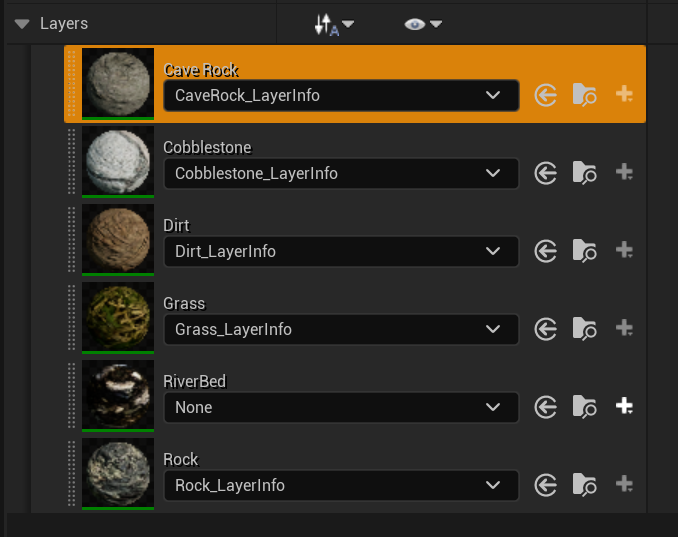
I painted the grass material onto the plains of the environment which will host the town, whereas the ground close to the west mountain was painted with Rock. Grass, rock and dirt was used for the eastern mountain with grass and dirt being focused around the top of the mountain and rock was added to the steep areas. It’s obvious that the riverbed material was added to the riverbed, and the cobblestone and cave rock materials were to be sooner used for the town and cave areas.
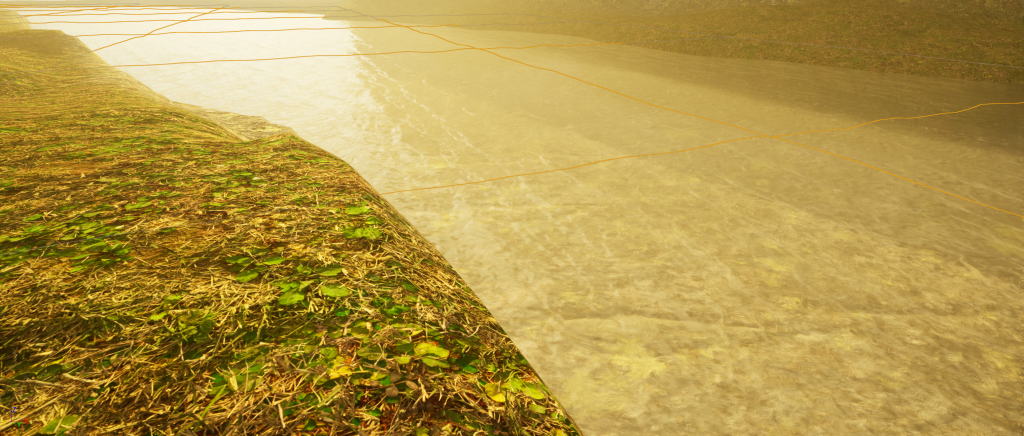
As I mentioned before, I used a material from a water plane asset pack for the river bed, which is what I later used for adding water to the river in my environment.
I decided to go simple and just add the planes from the pack instead of doing anything fancy with particle effects.
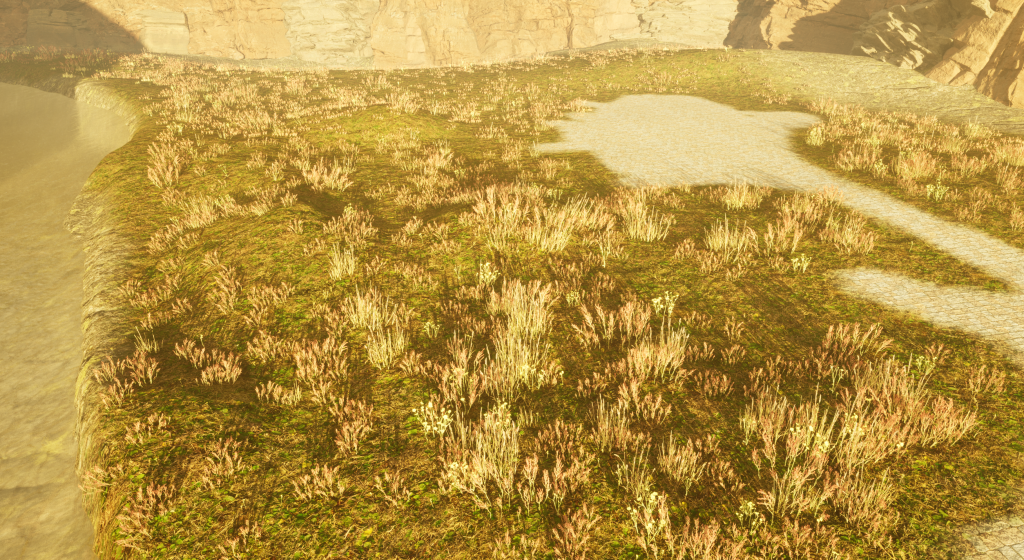
The final piece of the landscape that I worked on was foliage. This is a feature in Unreal Engine that allows me to place large quantities of plants in the environment without overbearing the Outliner with individual assets. It also helps to make the environment look more natural to the human eye.
I picked up a variety of plant assets like grass and common flowers to fill the landscape with. Not all of the assets that I added to the project ended up being used.
It was important that I didn’t set the paint density of the foliage too high since this would unnecessarily and negatively affect the frame rate of the scene and may make the environment look overgrown which isn’t what I wanted.
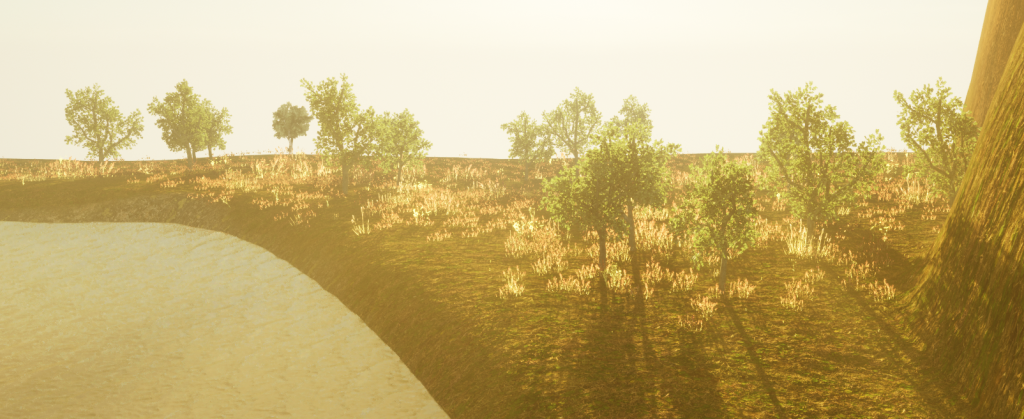
I also later decided to add trees into the environment outside of the town and on the eastern mountain to add a more interesting background for the video recording and beauty shots once the environment was complete.
Building the Town
For the buildings used for the town, I used “Stylized Fantasy Provencal” by StylArts. This asset pack contains more than just buildings, assets of which I used a lot throughout my environment. Building-wise, I added 6 residential builds, one of which being the main building that is an estimate double the size of a regular house. The town also has included; a Water mill and a Windmill, a small market that hosts two stalls, a shrine, a campsite on the outskirts for travelers, and a building that is under construction.
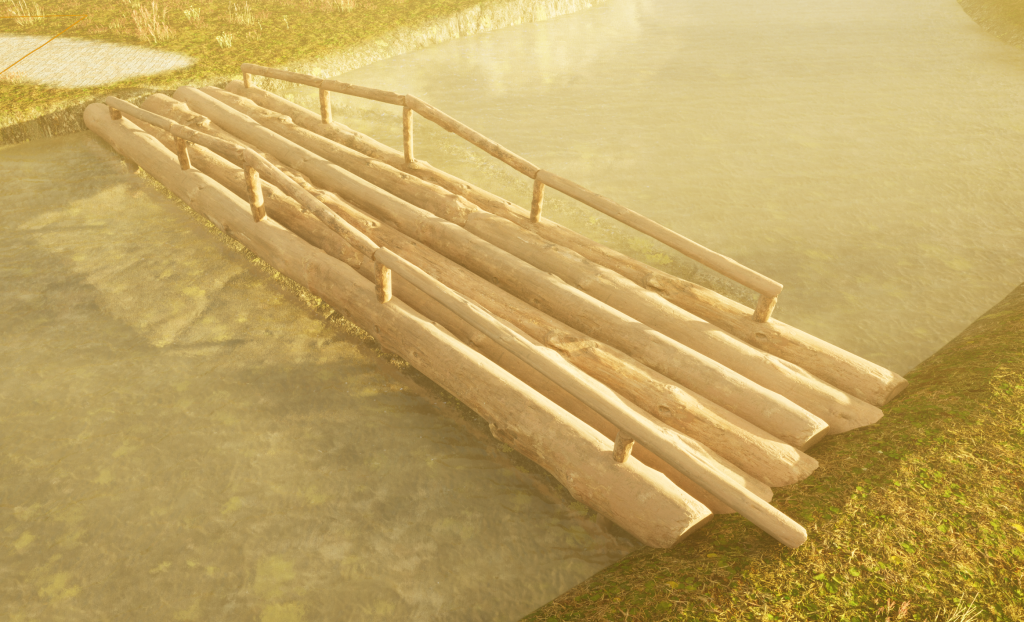
Outside of the town there is a bridge crossing the river. i found adding this bridge difficult as there were not many bridge assets available on Unreal Marketplace and Quixel Bridge and due to the width of the river, any bridge I could find would have needed to be stretched so much that the asset looked unnatural. This left me to build the bridge myself using a log asset I got from Quixel Bridge. I believe the result turned out alright after I had finished.
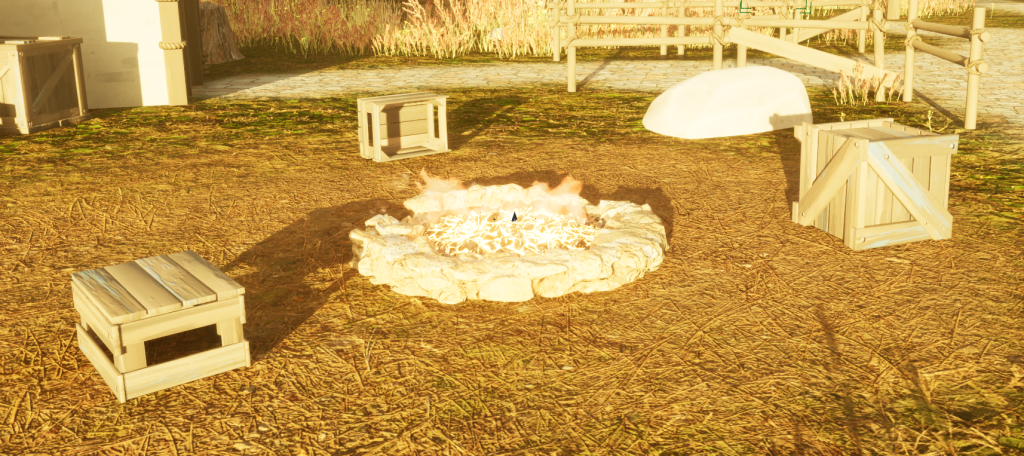
When making the town I made sure to add assets that would make the area look as if people live there, small things like wheelbarrows, benches, boxes, crates around the campfire used for seating etc. These additions added value to the overall environment and fed into beauty sub-theme that I had chosen.
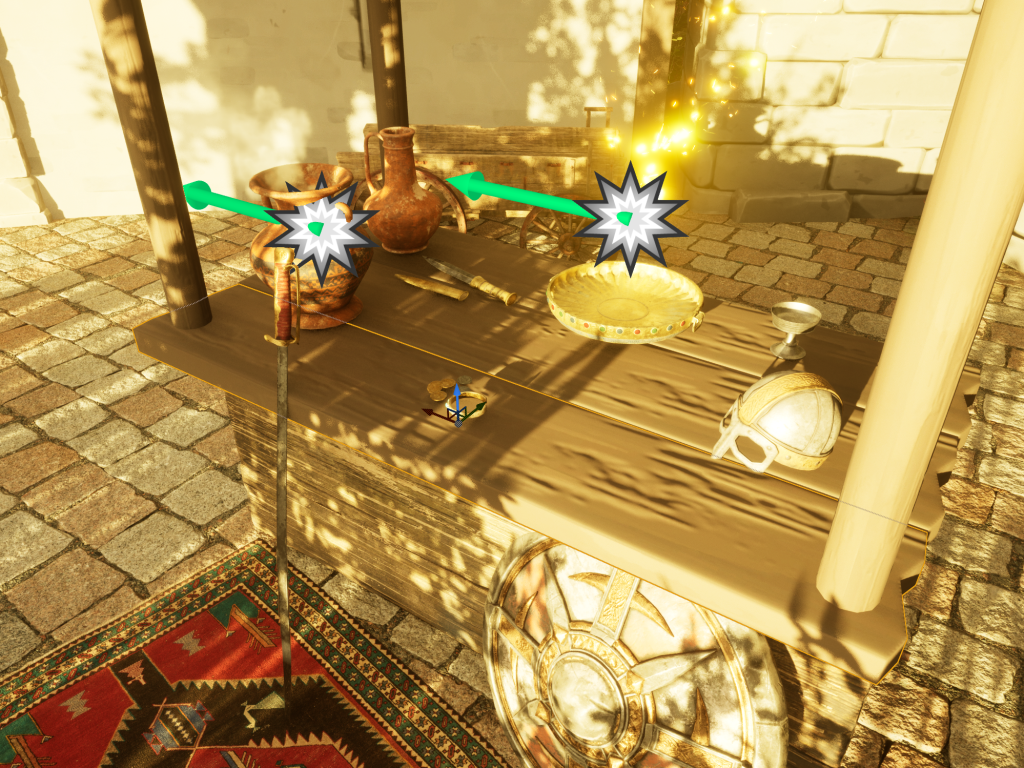
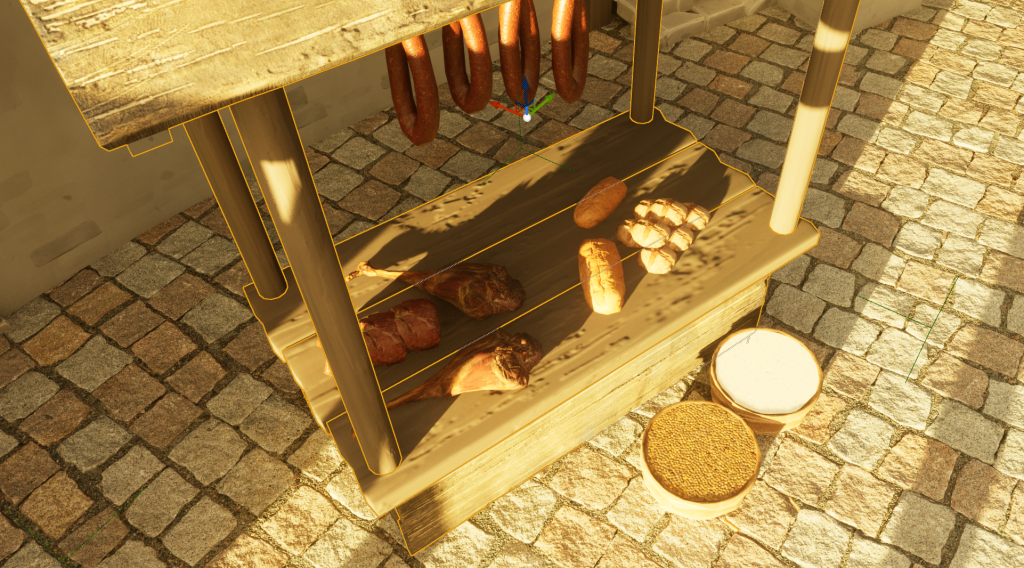
With the market, there is one that has a multitude of items on display such as weaponry, armor and vases; items that would catch someone’s eye. The other stall sells a variety of food including grains, meat, bread and fruit which would be sold to the residents of the town.
I played around with FX Cat UA’s Realistic Starter VFX Pack Vol 2 to add particles into the environment since I believe that they would help add to both themes I had chosen. I included particles such as butterflies surrounding a flower pot outside one of the homes, dandelion effect on the side of the road, and smoke and sparks coming from some of the items from one of the marketplace stalls.
I placed trees around the town to add more nature into my environment, I did this instead of using the foliage feature since I am able to pick out spaces where they’d look best instead of them being placed randomly which could have lessened the scene’s quality.
Building the Cave
I carved out an area of the western mountain using the landscaping tool and added a small entrance nearby the town. When that was done I used the cliff megascans to build the cave walls.
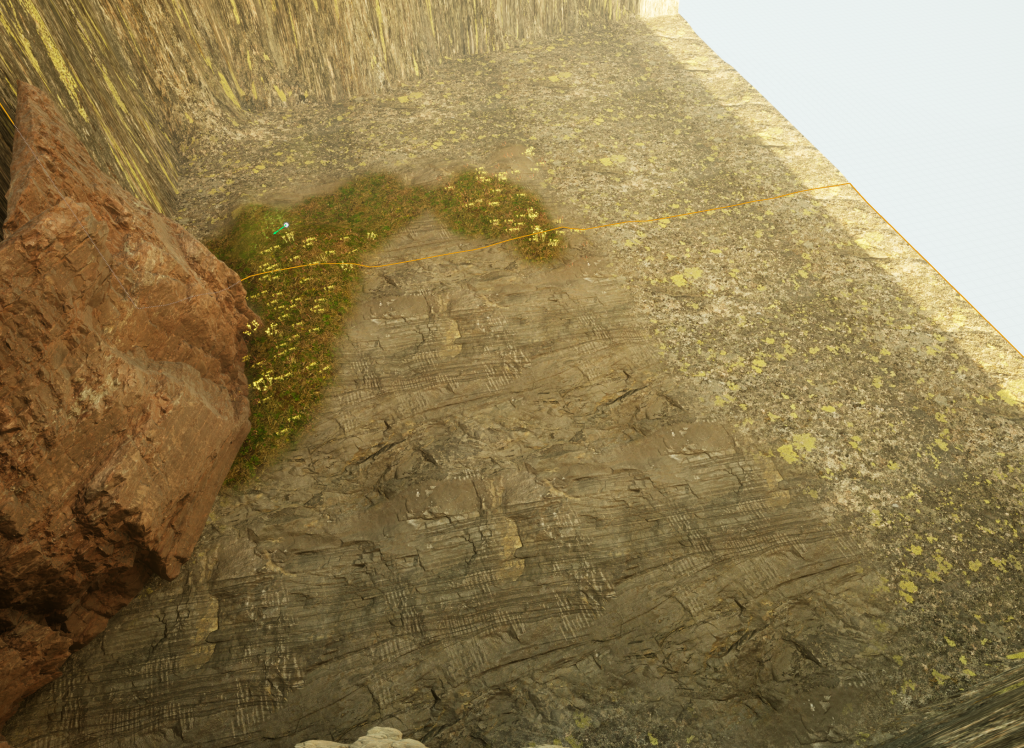
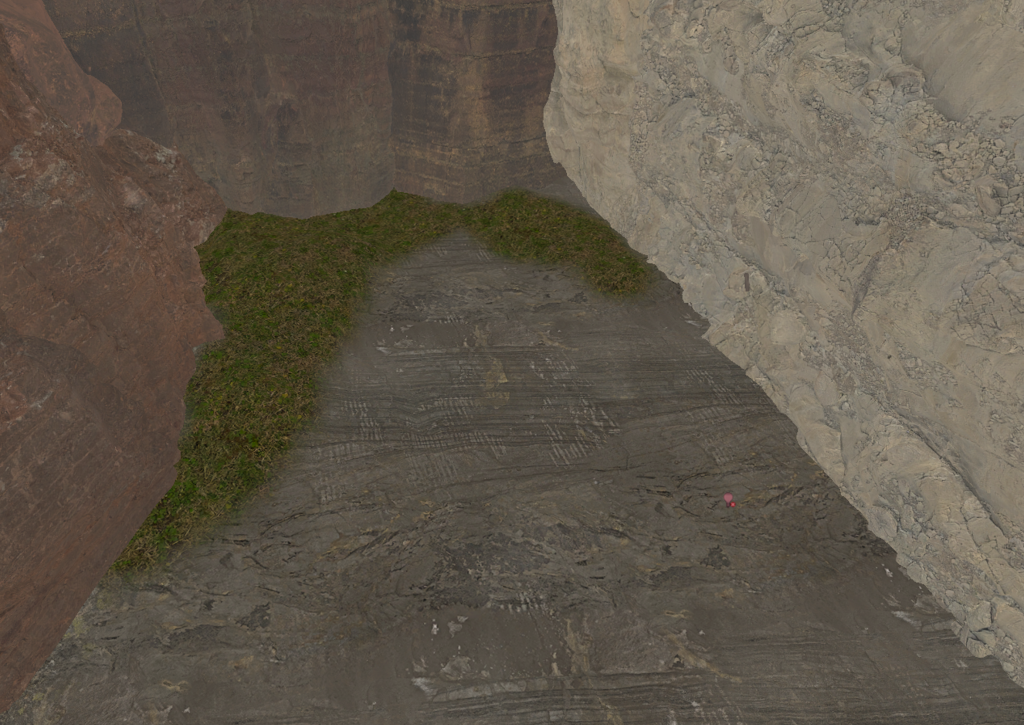
The plan for the cave’s lighting was to have a hole in the ceiling from where the sun’s light would come from. But in practice it proved to to difficult. Instead I had to implement spot lights coming from the hole as a substitute. After the lighting was taken care of, it came to my attention that since there was light, life could sustain itself within the cave. Therefore I sought out to add foliage and trees into the environment. This addition enforced the beauty sub-theme.
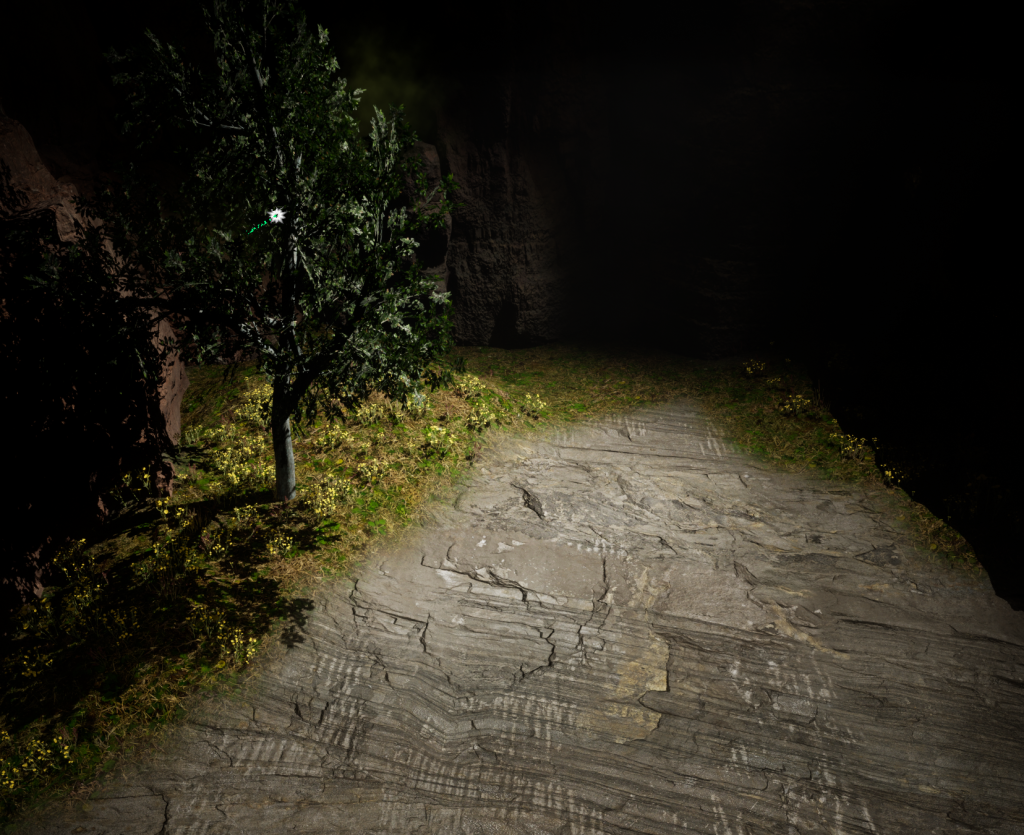
I then added particle effects including fireflies, butterflies and a leaf particle effect for the tree. It was after then that I start adding other assets.
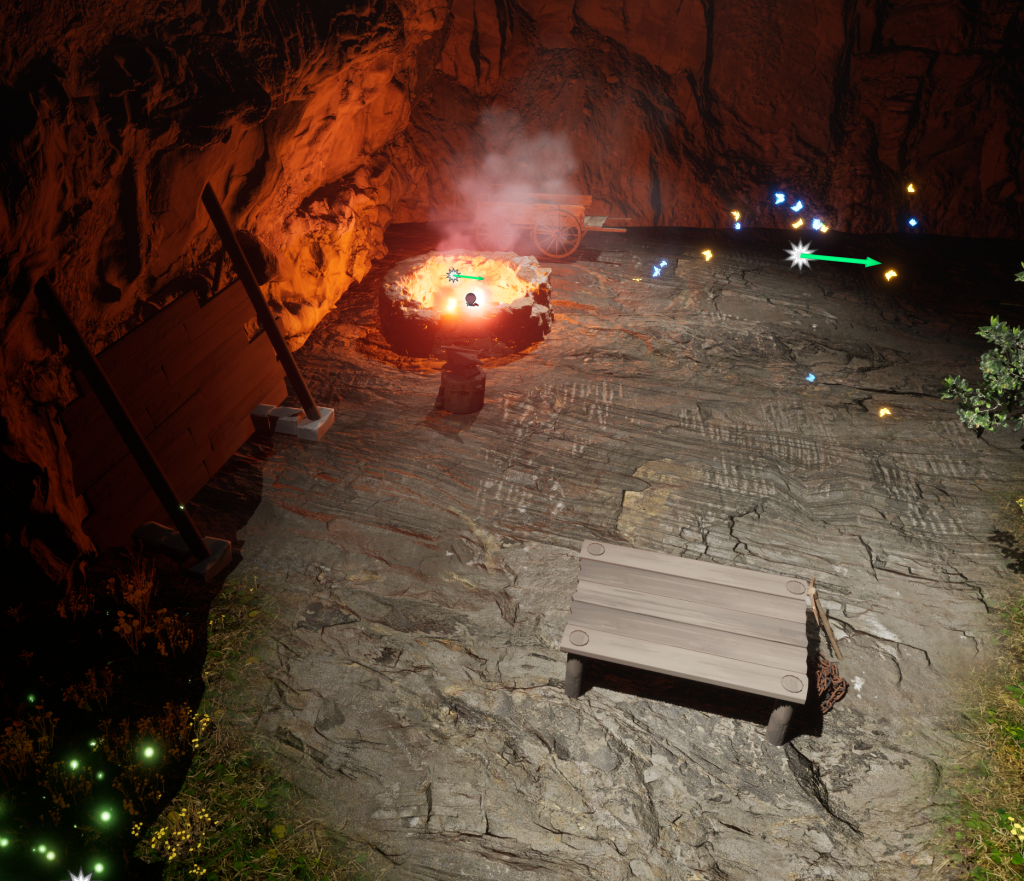
Firstly, I added a table at the centre of the spotlight, which is where the centrepiece of the environment will be placed. Unfortunately, like the bridge, I didn’t have a table asset. So I had to create a table using wooden planks and wooden beams. I then grouped the assets and placed it in the spotlight.
I wanted this area to have been to some use to the townspeople, so I made the decision for the abandoned cave to be a smelting location for a blacksmith. The location also contains the entrance to a mine that has been blocked off due to a collapse, of which has been covered with wooden boards. The ore from the mine was used in the forge to smith tools for the townspeople and weapons to sell.
I downloaded a well asset from Quixel Bridge that was use for the rocks of the campfire and then was used for the forge. My environment’s forge is inspired from the forges found throughout Skyrim. I then added an area light in the well and gave it a red hue to mimic the heat from the forge. Fire and smoke particle effects were also added.
Finally, I added a wheelbarrow full of rocks that didn’t make it out of the cave before it was boarded up out of concern of another collapse.
Importing my Asset
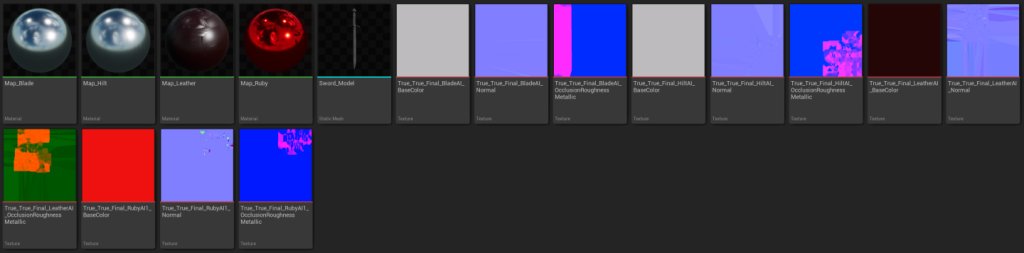
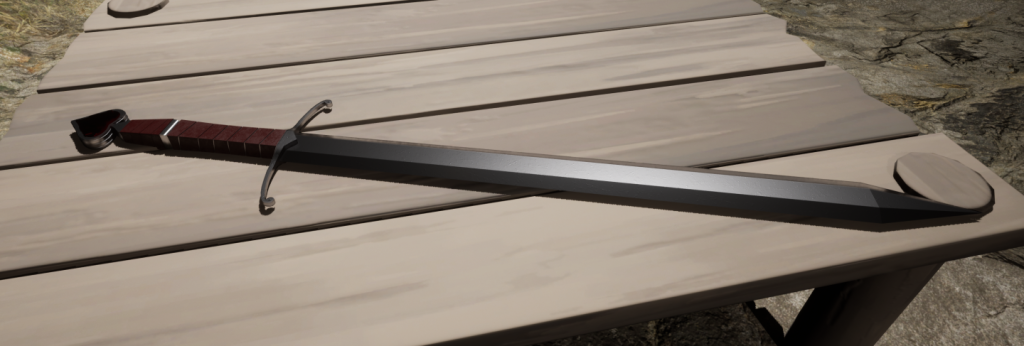
My centrepiece is a sword asset that I made in Maya and textured in Adobe Substance Painter. To import the asset I exported the model from maya as a fbx. file and imported it into the content drawer in Unreal. This doesn’t export the textures I had made for the model however. Therefore I needed to open the Substance Painter file and export the texture maps for my asset using the Unreal export preset.
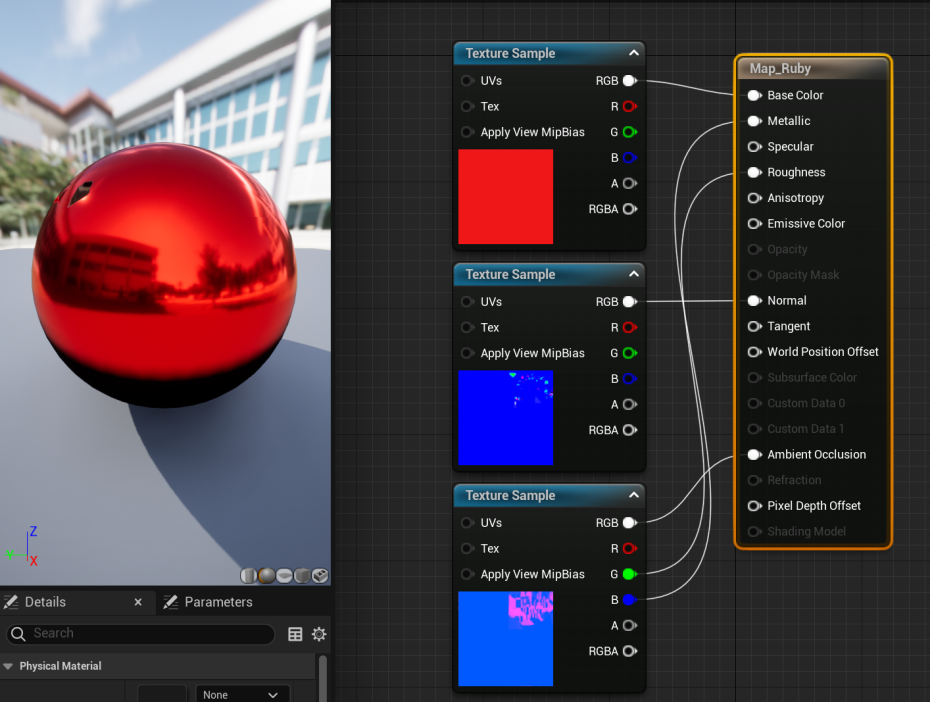
After that I needed to set up new materials for all the textures used by my asset. I did this with the help of a YouTube tutorial made by 3DWolf which taught me where everything goes in Unreal’s Blueprint Visual Scripting system.
Environment Video
I used Unreal’s cameras to put together a sequence in the engine. The master sequence consists of 5 different shots I made that show the village and cave areas of the environment. They include a couple of close-up shots of key details that I wanted to show off.
The video was captured is OBS at 30fps. The video can be viewed higher than 1080p on the YouTube video above for better quality.
The music used for the video was collected from freesound.org and is credited to StephieQueen. The link the music file is freesound.org/people/StephieQueen/sounds/ 650558/.
Reference List
The following asset packs were used to create my Environment:
Ancient Treasures
Megascans: Medieval Tools
Old West – VOL 2 – Tradesmen Tools and Props
Realistic Starter VFX Pack V
Stylized Fantasy Provencal
Water Materials
Xeric Hammock Brush
Reflection
Concerning the implementation of the main theme of Fantasy into the environment, I should of planned better on adding more stereotypical fantasy elements into the scene to enforce this main theme. This includes adding more magical factors such as intriguing plant life that isn’t found in the real world.
In terms of the environment overall, I realize that since I refused to use any paid-for assets for the level, it is likely that the current product has not reached it’s full potential. Most of the asset packs available on the Unreal Marketplace require payments, this therefore restricted me in the assets that I could use for the environment, causing me to improvise in some areas such as the stalls in the marketplace, the bridge at the river and the table in the cave.
With the video, there was a technical issue with the cliff in the background within the first shot. This caused parts of the cliff to not load and then load at the end of the shot momentarily. I didn’t find out what caused this, but it was reoccurring each time I began the scene. This came off as a disadvantage of the video as it may distract the viewer from the focus points within the environment. Some of the foliage from the scene clipped with a number of the assets in the construction area within the village. This was most noticeable during the close up to the axe and wheelbarrow in the third shot, and if I rerecorded the video I would remove the clipping shot from the level.