For Task Nine, I had to produce a sprite sheet for either characters of environmental elements. I ended up choosing to make character sprites. For the character option, I made the player model and the models of two enemies, and the player and enemies had to have their own animations. For the player, there had to be an idle animation, walking animation and a jump animation, while for the enemies, they had to have a walking and attack animation.
The Design Process – Player
Each of the sprites for this task have to be equal to of less that 32×32 pixels, so this didn’t leave me a lot of room for my humanoid character. So I pulled up a real life idle animation on YouTube as a reference of what the animation would look like. I used this video to take screenshots of some of the frames I would use for my sprite, of which I imported the screenshots into Adobe Photoshop and painted over the man to make a silhouette. Finally I decreased the image size to better suit the 32×32 resolution I needed to have.
I then drew over the silhouette using the pencil tool to have an aesthetically pleasing body shape for the character sprite. I then completed the other sprite frames for the idle animation using this method, put them together using ezgif.com and downloaded the final gif. file.
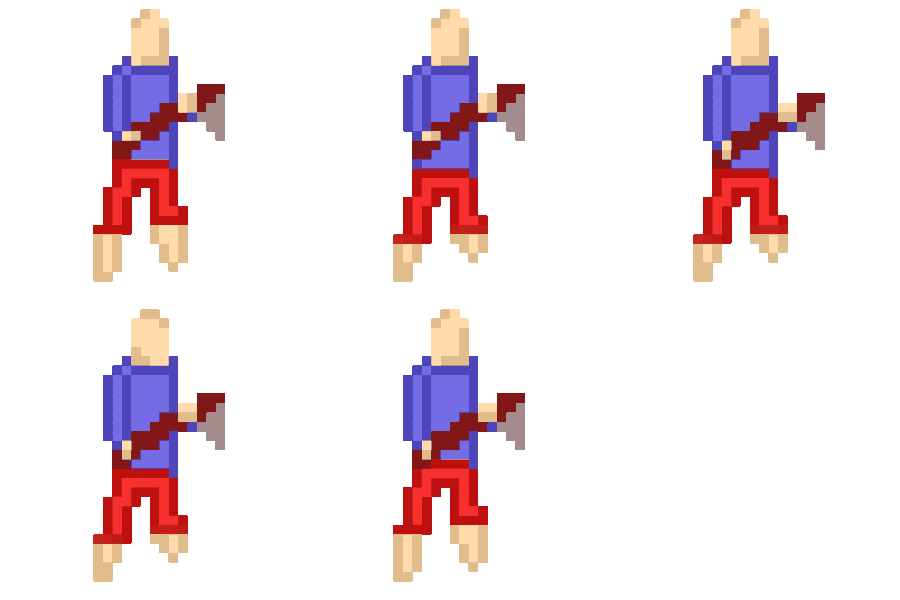
The gif. result in opinion isn’t as good as I hoped since the legs of the character are quite strange at some points but that’s the only major issue with the animation that I have found, so I think it was good enough.
The second animation for the player is the walking animation which I made using the previous animations frames as a basis and used an image for reference of what the walking animation should look like.
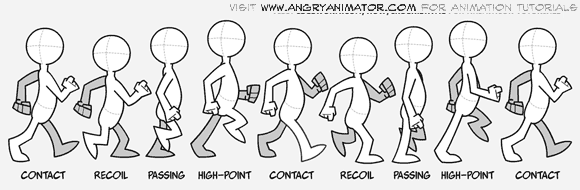
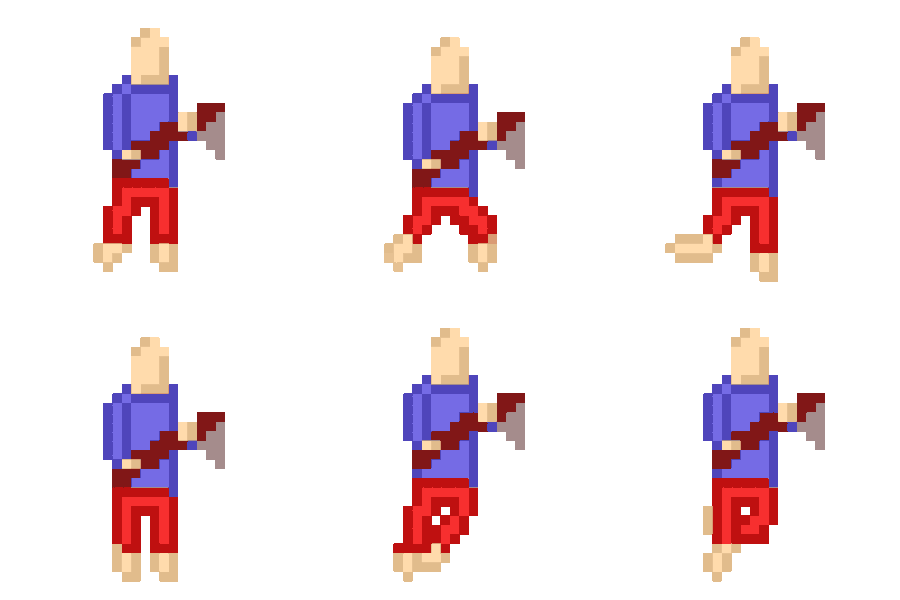
I find that the walking animation for the character turned out better than the previous one since it runs a lot smoother and natural.
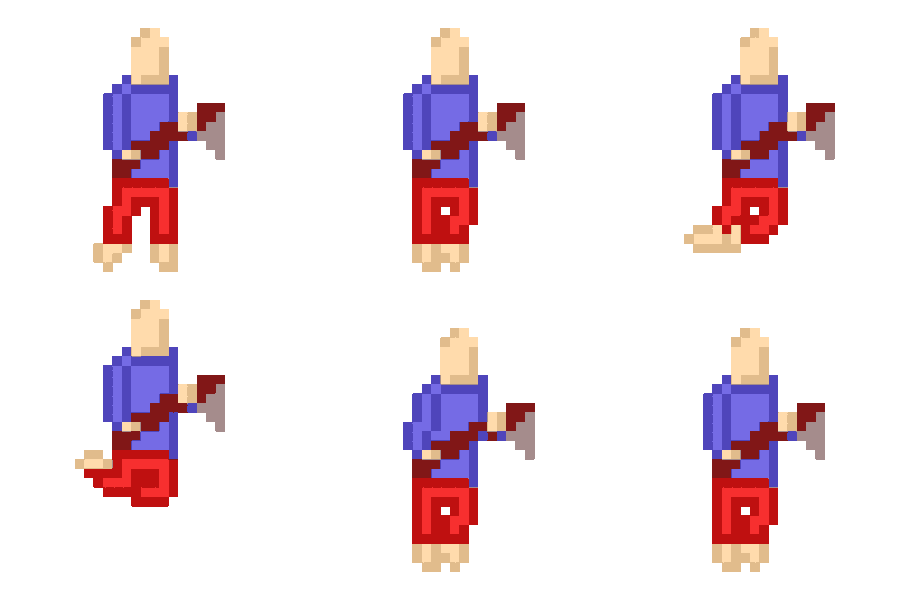
The last animation for the player character is the jump animation, which I ended up not using a reference image for. The most noticeable problem with the animation is that when the character prepares and finishes jumping the upper body unnaturally shifts to the right which negatively affects the overall presentation of the animation.
The Design Process – Enemy One
The first enemy I designed was largely inspired my both Undertale’s Mettaton and Untitled Magnet Game’s player character. This is because I wanted to make enemies that follow the robot theme that comes up in a lot of games.
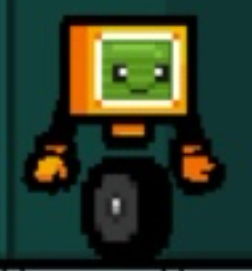
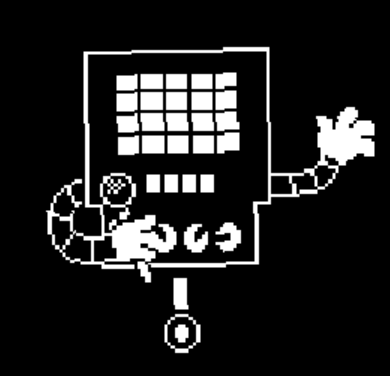
I used these characters as references when making my design and adopted a lot of their features such as their wheel, body shape and arms.
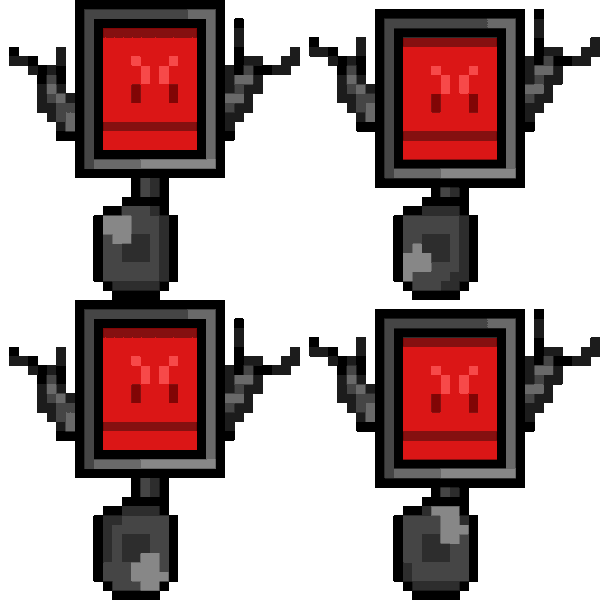
This is the first animation for enemy one, which I have decided for them to travel via wheel, this is both because of the designs of my references for the character, but also because the task we were given states that the enemies can’t be bi-pedal so that we could practice animation on non-humanoid characters.
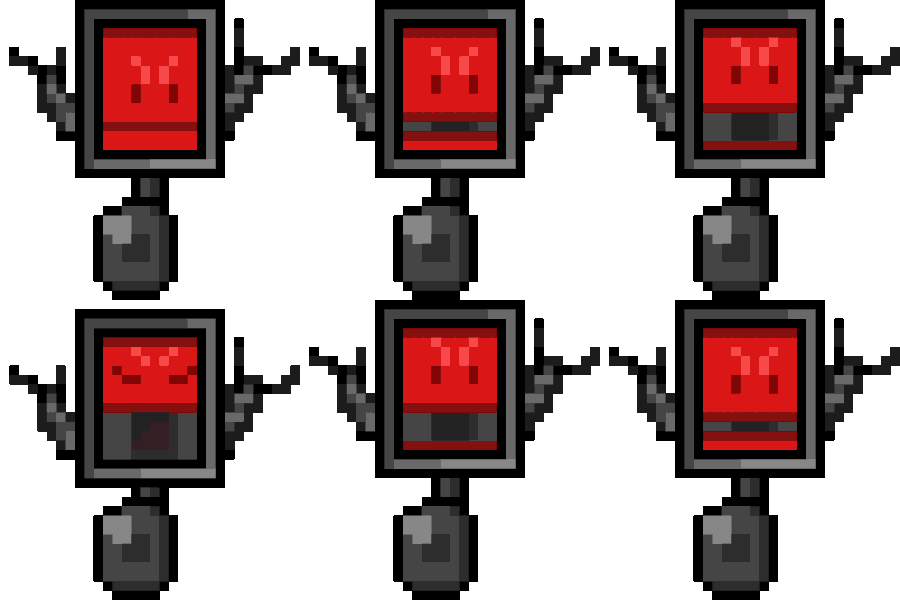
The second animation is their attack animation, during which the robot opens up their screen revealing an opening which is intended to have a projectile such as flames come out which would harm the player. This would only occur when the enemy is at mid-range from the player.
The Design Process – Enemy Two
I decided to continue with the robotic theme withe the second enemy, so I thought up of a new design that differs from the one of the previous enemy.
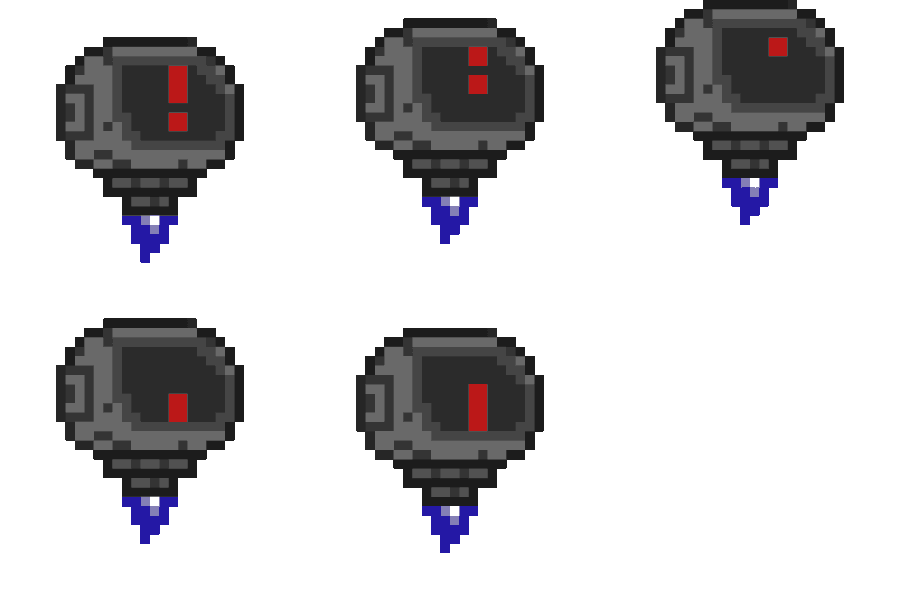
This enemy movement method is using it’s thruster to move towards the player in mid-air. I like this design, though only issue is that an extra frame at the end would make the animation loop better since the exclamation mark on it’s screen ends an begins smoothly and suddenly.
The enemy’s attack is a self-destruct sequence that will begin once it gets close to the player. The thruster in this animation also stops early and when this happens the sprite for the enemy would gravitate towards the ground to simulate this.
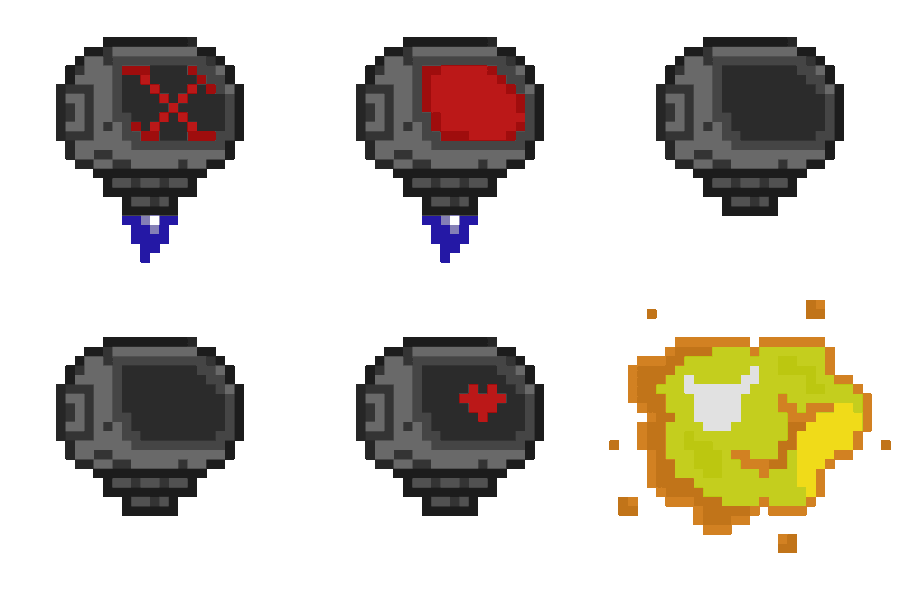
The explosion at the end of the animation’s cycle could have been more fleshed out since it only contains one frame making it seem more like a still image rather than an animation.