For this task I had to make game assets for my Top Down Shooter prototype, Asteroids which I made for my Game Design and Prototyping module.
For the prototype I decided to stick with the space theme that I started with and therefore I decided to make space-themed sprites to correspond to this. The assets that I needed to make were some enemies, the player sprite and a reticle.
The Design Process – Asteroids
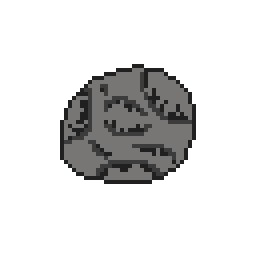
For the enemy sprites, I had the idea of making them asteroids so that the player would have to destroy them before they hit into the player sprite. So I opened up Adobe Photoshop and opened a new file with a transparent background. I used a reference for the asteroids found online so that I could have an idea of what the sprites were going to look like.
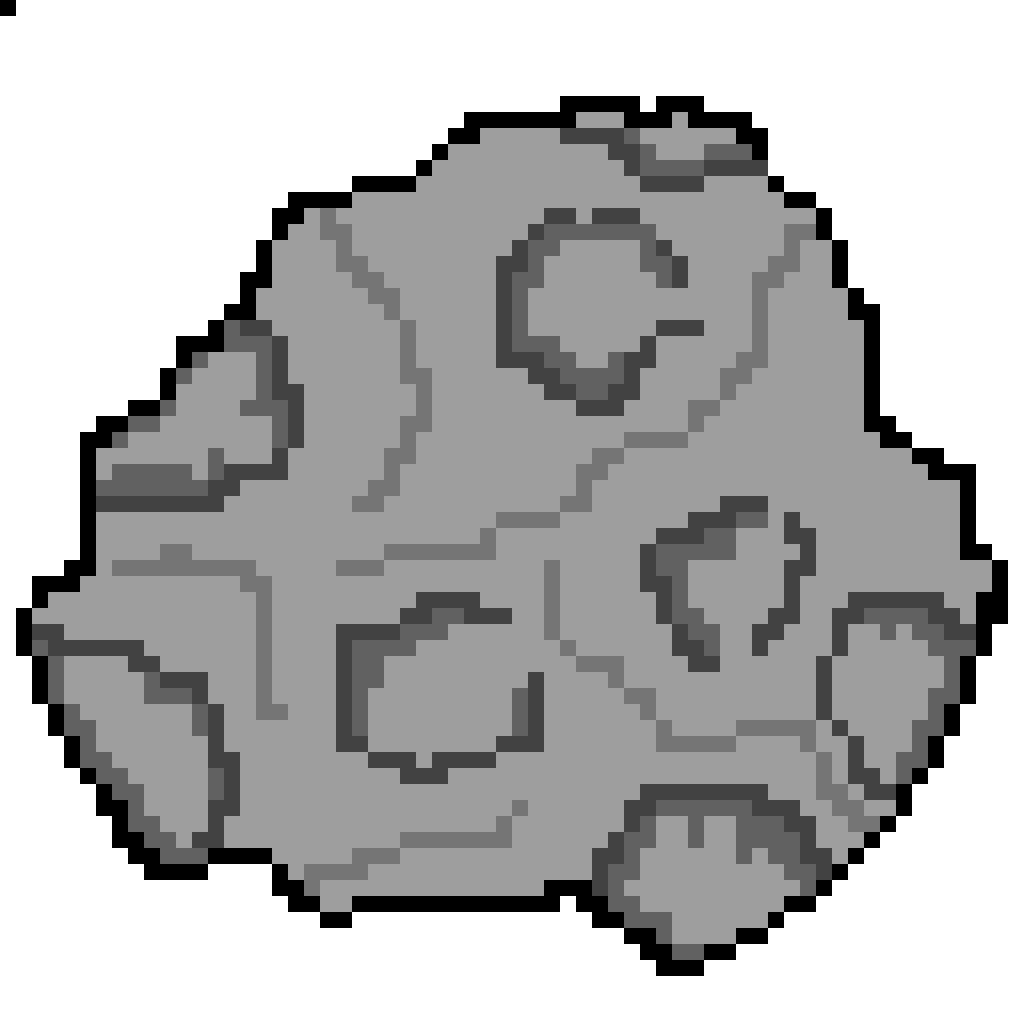
Pixilart (2018) game meteor. 64×64 Pixel art piece submitted online anonymously. Available online: https://www.pixilart.com/art/game-meteor-b59e616e93c5aac [Assessed Date: 03/11/2022]
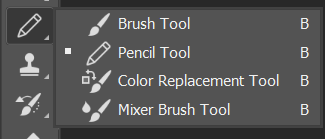
I used the pencil tool in the application to freehand draw the outline of each of the asteroids so that there were rigid edges for the sprite which best suits the structure I wanted for the asteroids.
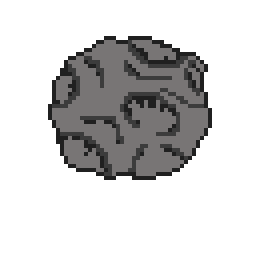
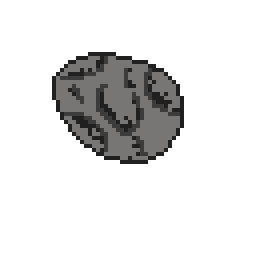
After outlining each of the asteroids, I filled the images with a lighter colour using the paint bucket tool. I then drew the craters on the surface of the asteroids with the outline colour to make the image have more depth and distinguishable as an asteroid, shading was then added to the outer areas of the craters.
After replicating this process for the other two asteroid sprites I ended up with a result that I found suitable for my game prototype.
The Design Process – Spaceship
I had the enemies for my game prototype, but I still had to make a sprite for the player. Given the space theme, the obvious choice of having spaceship as the player sprite was clear. So I set up a new file in Photoshop and gathered another reference to base it on.
I was able to find a image that I liked, so I had it visible when I worked on my game asset.
bevouiin (2017) 2D Shooter Spaceship. Image of a spaceship uploaded on the online website, Dribbble. Available Online: https://dribbble.com/shots/4053954-2D-Shooter-Spaceship [Assessed Date: 03/11/2022]
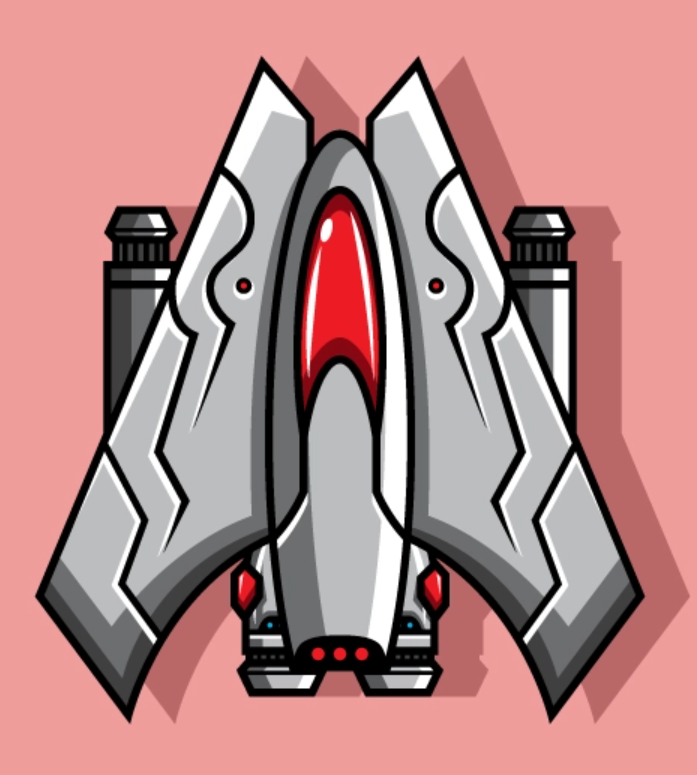
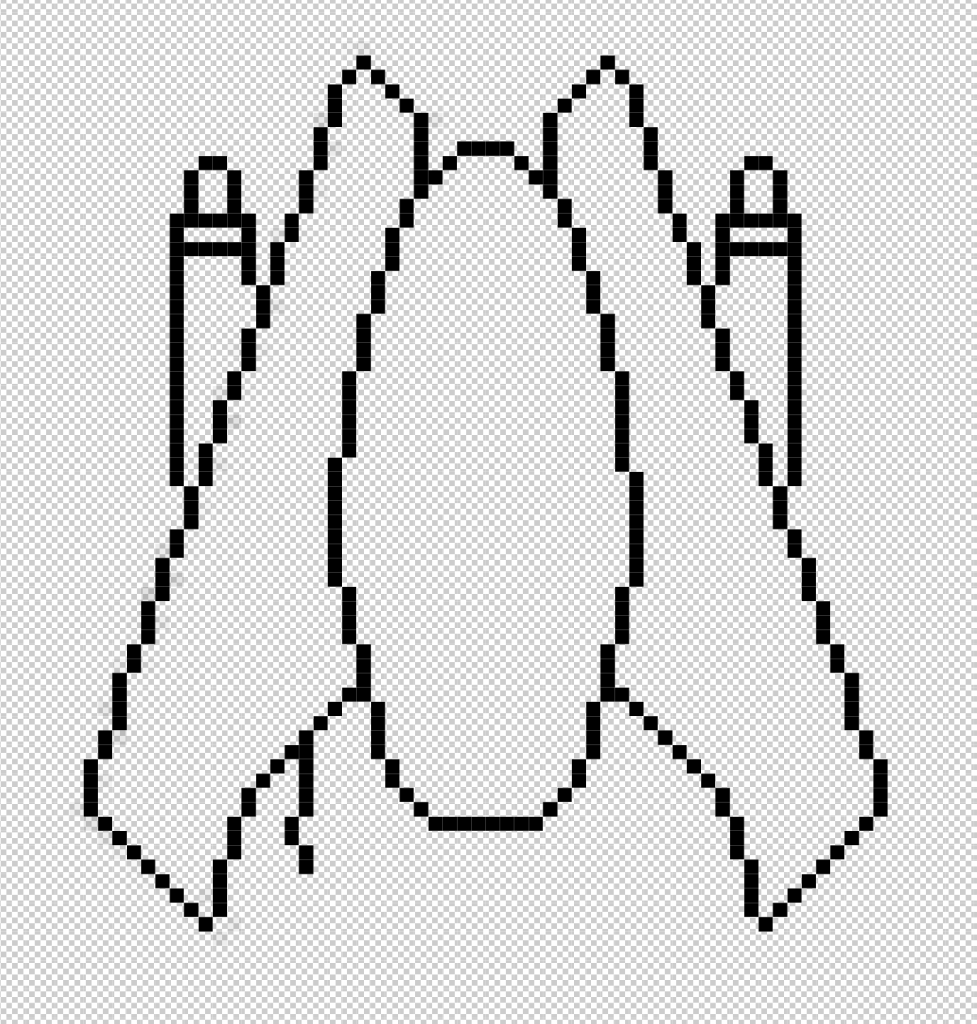
In Photoshop I mimicked the outline of the reference using the pencil tool to get a grasp on what the final product was going to look like.
I then made outlines of the thrusters and the cockpit which were going to be added into the final image.
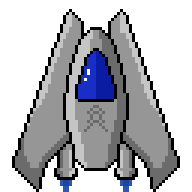
After that I followed closely to the shading of the reference image and implemented it into my game asset alongside including my own colours to cockpit window and thrusters so that it distinguishes from the reference. in the end I also included a symbol on the middle of the to make it seem the pilot is representing some kind of faction or alliance.
The Design Process – Reticle
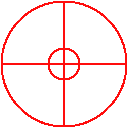
The last and easiest asset that I had to make for the prototype was a reticle for the player to aim their shots with. The sprite was simple to make with Adobe Photoshop, this is because during the design process I had used the ellipse and line tools within the tool menu to draw two circles with a red stroke, and then used the line tool to connect the axes of the shape. After that, I was pretty much done and didn’t need to add anything else to the asset for my Top Down Shooter.
Pros and Cons
One of the positives of the game assets is that the art style is consistent for each of them, by this I means that they all are pixel art which is important if I’m going for a game with that particular graphic style. My reasoning behind using pixel art for these images was that I feel more comfortable using an art style that I’m more familiar with, since this would produce higher quality results if I know what I’m working with.
A con of these game assets for my Top Down Shooter is that the reticle could have been done better if I put more time into it. I could have made the reticle fit the theme better or try to replicate examples from researched top down shooters or just shooters in general.