Link to my Game: Kitten Clicker
As part of this module, I am required to create four game prototypes using Unity and publish them to itch.io, a website for individuals and game development teams to toss their games out into the world
The first game prototype that I published was a cookie clicker. It is a simplistic game where the player needs to gather points by clicking a button to rank up enough points to buy upgrades, increasing the amount of points the player can grind.
This was a good game to start of which since beforehand I had no previous experience in game development meaning that it eased me into the process slowly and was easy to understand.
Kitten Clicker
I decided to make a cookie clicker with a different theme, this theme is that instead of clicking a cookie to gain cookies, the player will have to pet a cat to gain affection, adding a cutesy turn on the genre.
Scripting
The first focus when creating this game was first the scripting. I followed the video tutorials provided to me on Canvas where Stuart explained what each of the functions do within the game. The scripts used in the tutorial were implemented into my game were attached to the assets within the screen view.
The first C# script that was coded was the clicking script.
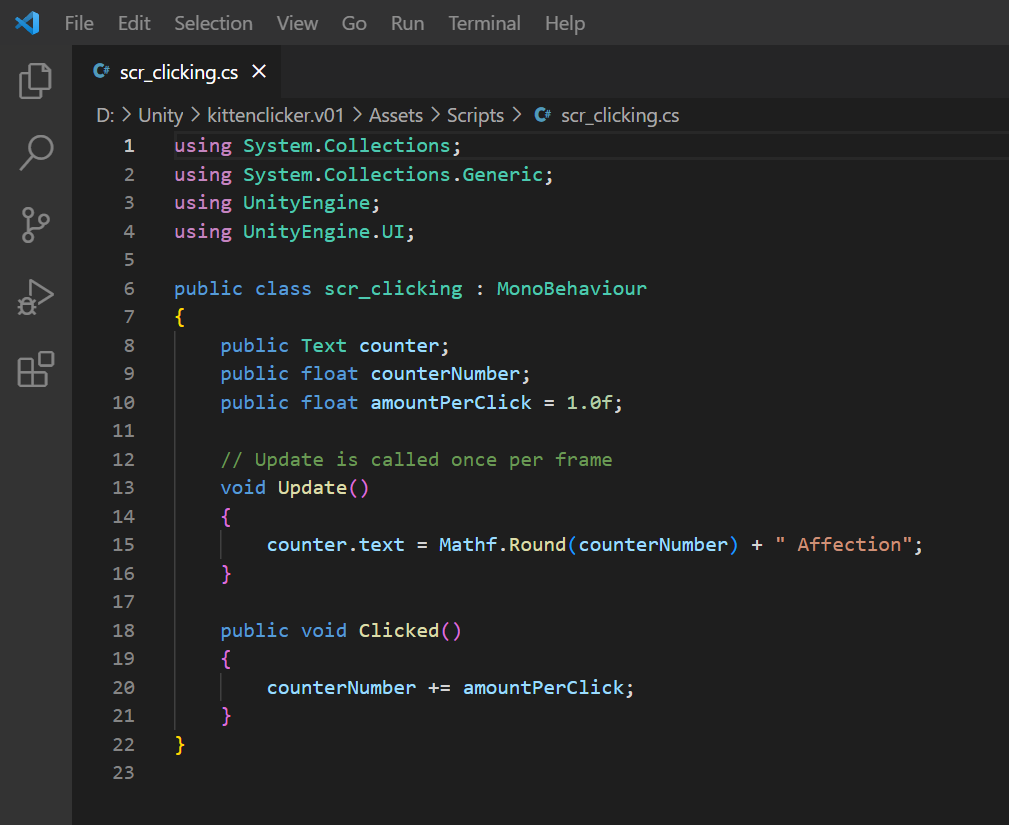
This script was very simple but very essential to the game, it references an in-game counter that will increase by the amountPerClick variable every time an asset is clicked. For this game the asset is the cat button.
The next script that was implemented into the game is the Upgrade per Click script.
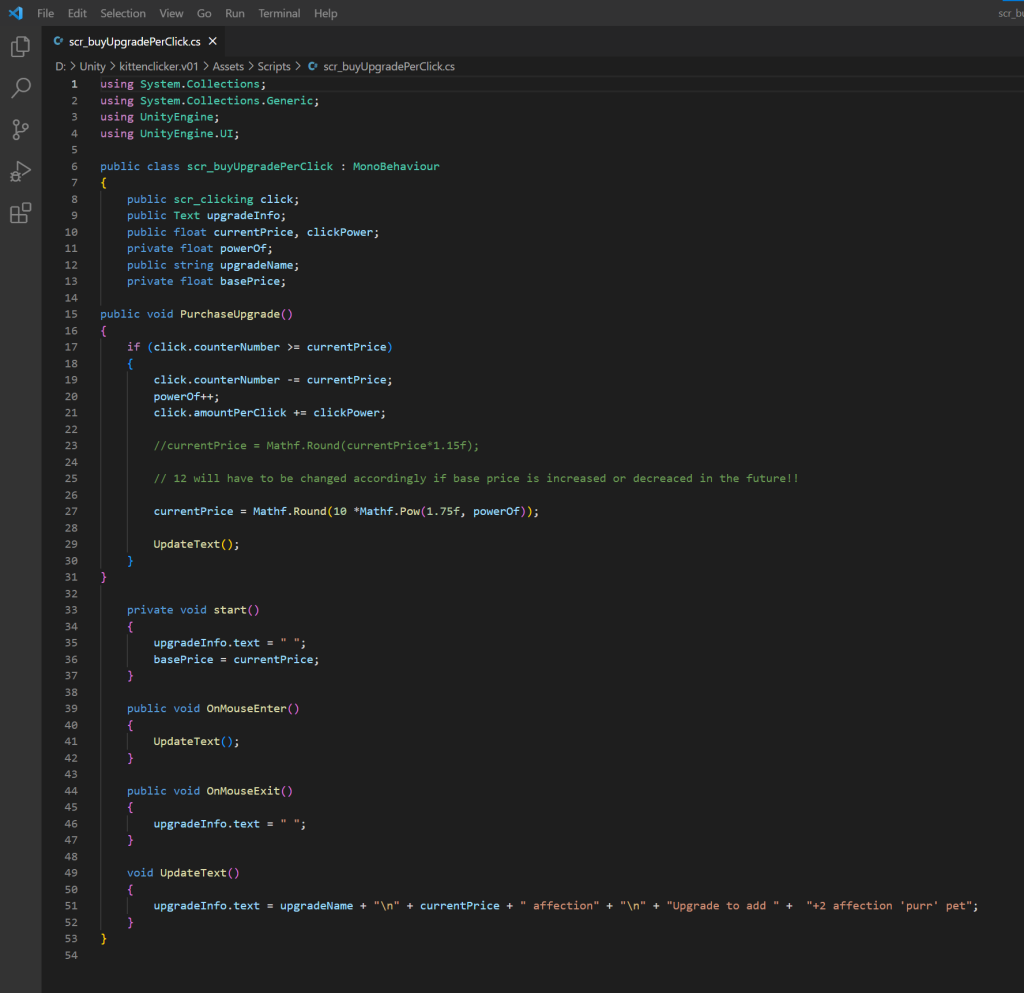
This script does two main things, the first being that once the assigned button is clicked by the player (given that they have the required amount of affection) it will increase the amount of affection given to the player the next time the cat button is clicked and will increase the price of the next per click upgrade.
The second purpose of this script is to display information about the upgrade on the game screen whenever the player hovers over the button with the mouse. This information includes the current price of the upgrade, the upgrade name and what it does (increases the affection by 2 per click). It does this by using the Update Text function which is used to show the current information on the upgrade.
The second to last script that was put into the game was the auto click script which is essential for the next and last script.
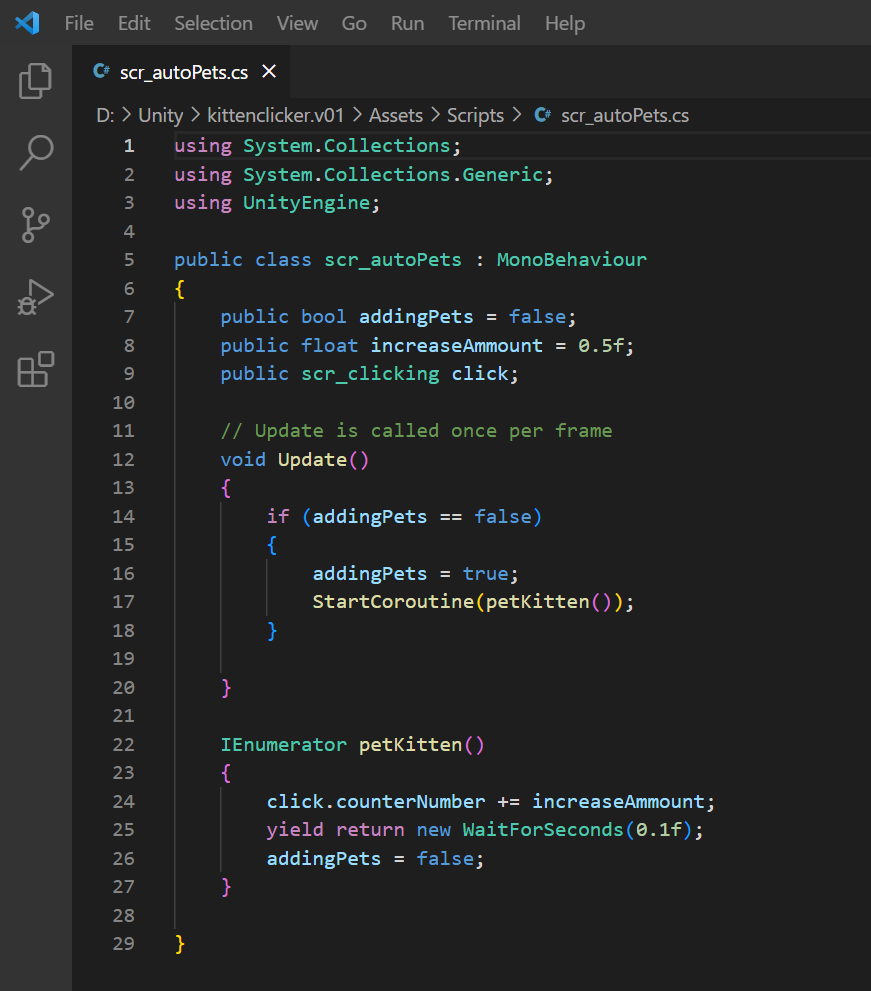
The purpose of this script is to continuously increase the counter number on the screen, the amount this goes up by per second is determined by the increase amount and the how long it takes to loop (WaitForSeconds(x)).
The last script that was used in Kitten Clicker is the buy auto upgrade script.
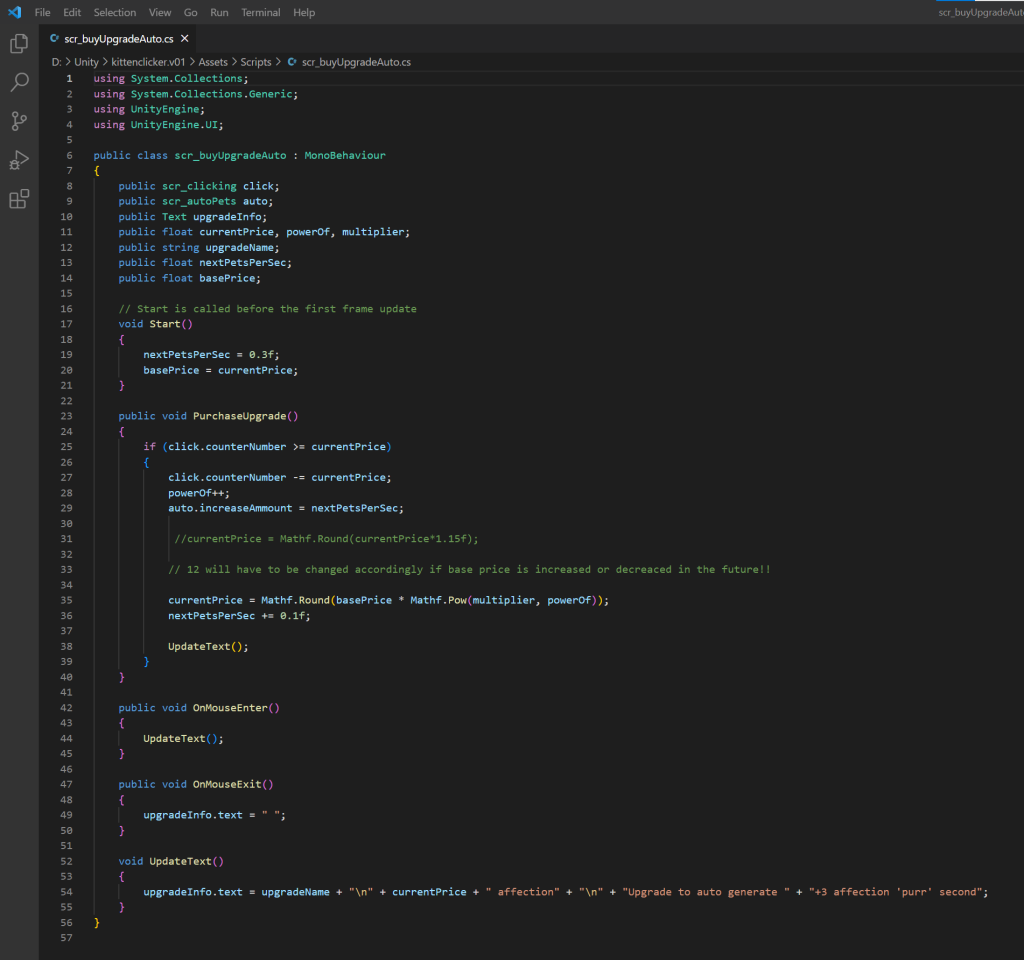
This script is very similar to the upgrade per click script as it has many of the same components only it applies these components to the auto click mechanic. This means that the update text and purchase are alike but have the difference of applying to buying the auto click upgrade, increasing the amount of pets per second and presenting this specific mechanic’s information. It increases the auto amount by changing the value of the increaseAmount variable used in scr_autoPets.
Game Sprites
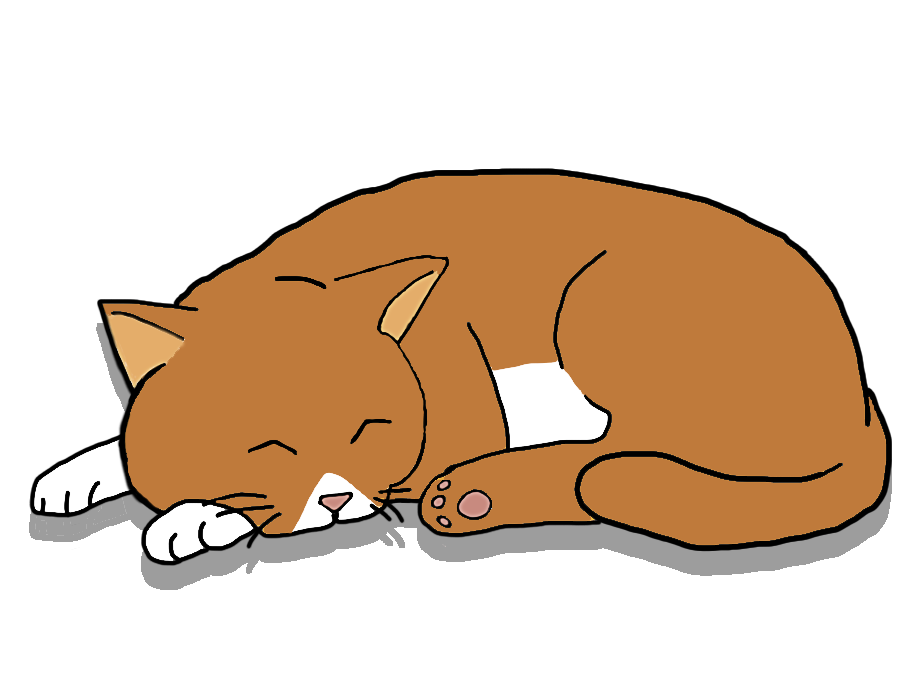
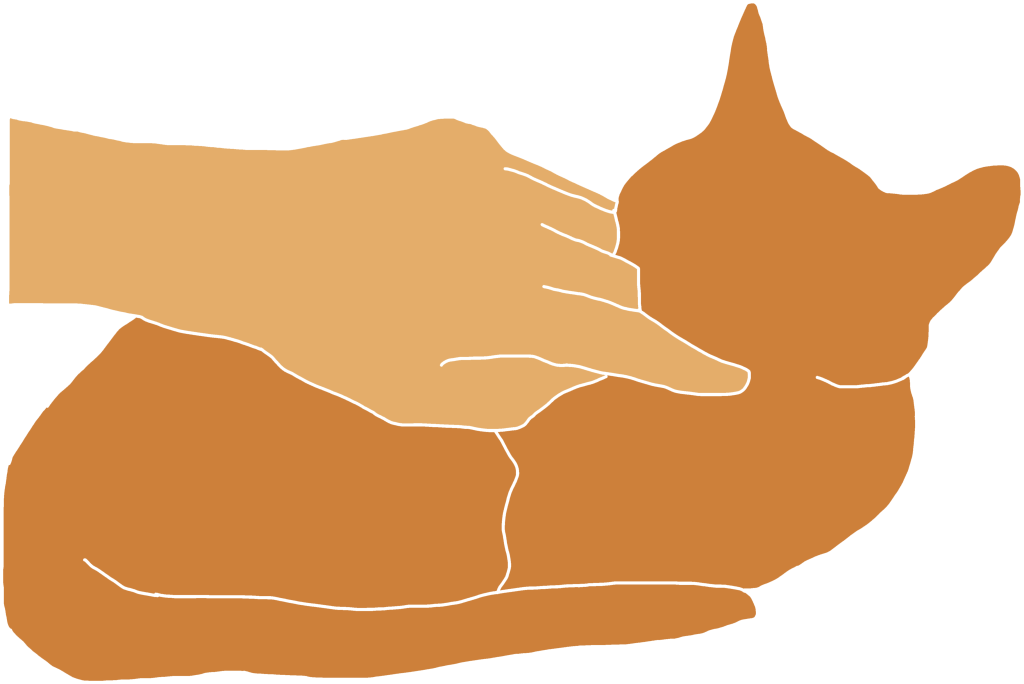
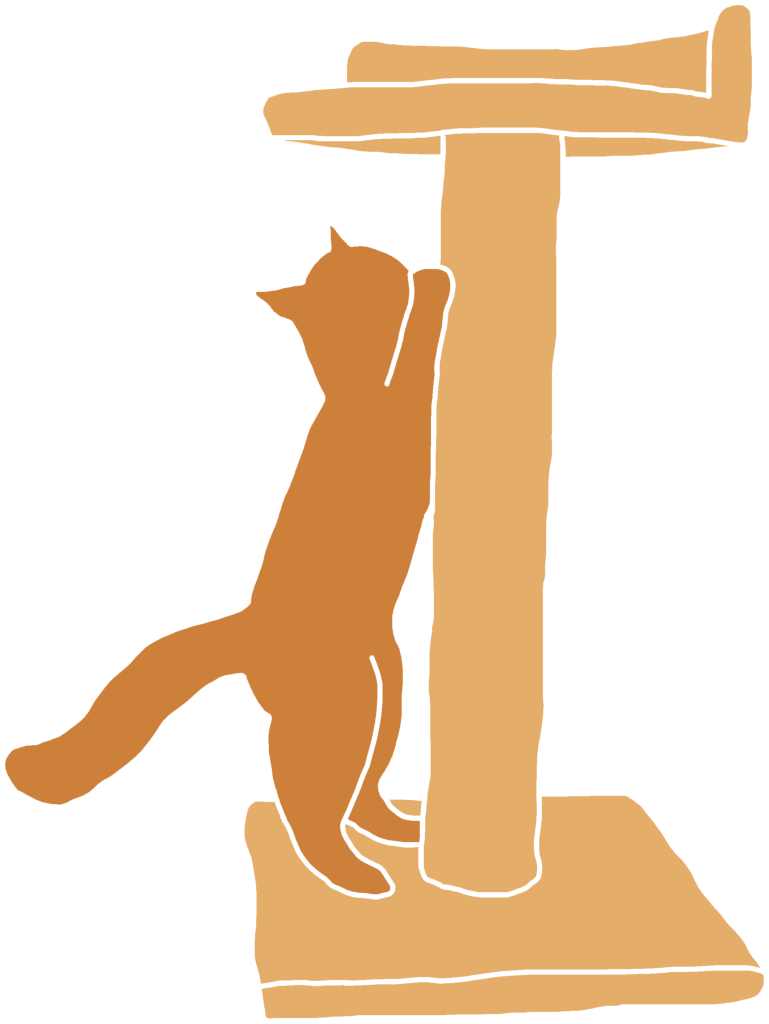
These are the three sprites that I used for this prototype. They were all made in Adobe Photoshop and they were applied to the appearance of the buttons added into the Unity project beforehand, which required me to change the scale and dimensions of those buttons.
One the buttons are clicked by the player they will activate the clicked function within the scr_clicking script which then communicates to the dedicated script within the button’s inspector to cause the desired outcome e.g. increase affection per click, pet the cat and earn affection or increase the amount of affection gained each second.
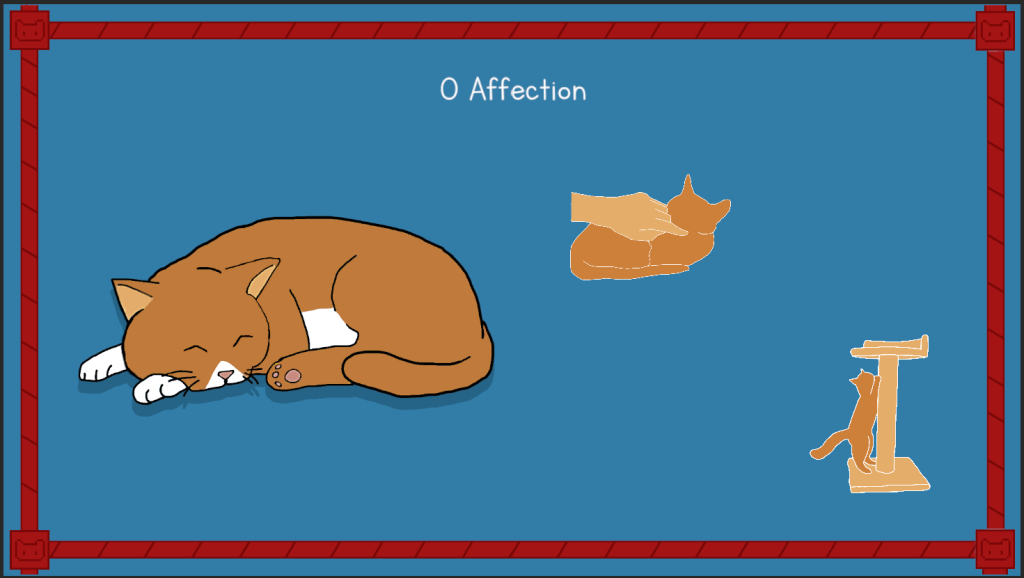
Typography
As shown on the image above, I had chosen a different font rather that the default selection, Arial. The font that I used is the “Letters for Learners” font by Brittney Murphy Design which I acquired from dafont.com. I chose this font because it was easy to read (eliminating any issues for people with poor eyesight or dyslexia) and because the font itself was aesthetically pleasing for the context of the game.
Game Audio
I implemented audio into my prototype using FMod which I had linked to the Unity project. I imported the “FMod for Unity” add-on found on Unity’s asset store and built the FMod file after linking it with the game. This meant that I was able to use the Fmod event emitter and listener components to attach the FMod file’s events to the click functions used by the button components on the clicker and two upgrades game objects.
What I Learned…
The first piece of learning experience I picked up from this project was how to properly navigate Unity and how a lot of the basic features work. This was mostly learning how to set up buttons, how to use event triggers to produce sound, how scripts interact with game objects and how to implement FMod into Unity and how to add sound using it.
On the other side, I learned a lot about the scripting side of Unity and about how to create functions, embed code into them and reference back to the function in other areas of the script. I had also learned how to do calculations in the script using variables so that I could control the amount by which the in game counter and prices would rise once clicked and purchased.
What I would change/add…
One of the things I would add into my cookie clicker would be a proper background since aesthetics is a area that I lacked in with this project as during the development stage I focused more on the mechanics and audio so that the game worked the way I wanted. But looking back now I believe I could have done better in terms of the artwork if I spent more time on it.
In terms of audio there were was one part about it that I would change is that I would make it so the meow sound effect wouldn’t play if the player didn’t have enough affection points to buy the upgrade. I would do this by adding a OnePlayShot code into the purchase upgrade function with the FMod audio referenced so that it would only play if the counter number was equal or more than the current upgrade cost.
I would have also liked to add more upgrades into the game, unfortunately I wasn’t able to figure it out due to it not working properly when I tried to. I believe it would have made the player experience better and increase play time.